 Doilies Make the Difference – Video
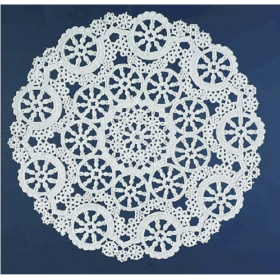 Lace Paper Doilies
 MYGEOPRINT®
 .
.Awards & Recognition DIY, IClicknPrint Projects
How to Print Professional-Looking Certificates at Home (No Design Skills Needed)
Create Professional Certificates at Home with Ease
Create Professional Certificates at Home — it’s easier than you think, and anyone can do it. Do you need to create a beautiful certificate for a school award or employee milestone? Maybe you want one for volunteer recognition or even for a holiday event. But you don’t have time to build it from scratch. You also don’t have design experience. You’re not alone. More and more people search for how to print certificates at home. The good news is that printing certificates has become incredibly simple. You can create something polished and official, even with a basic printer.
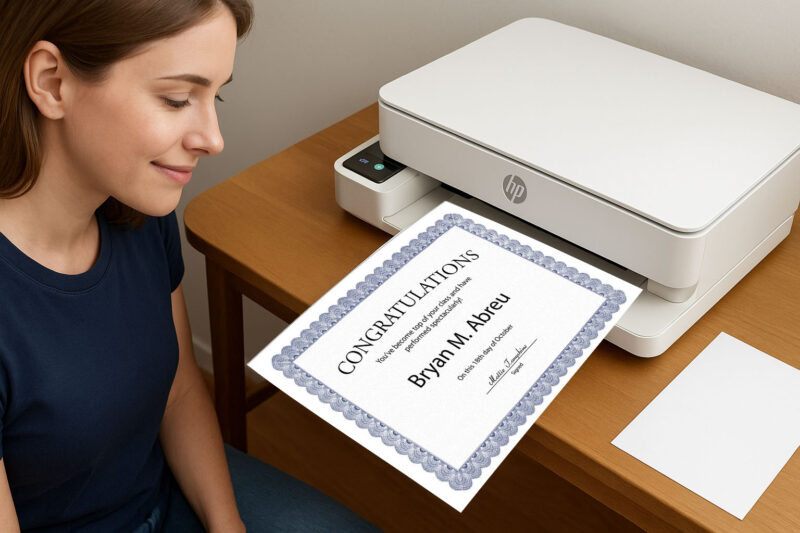
The secret lies in using the right paper and a smart design tool — and at The Royal Store, we’ve got both.
We carry a wide selection of award certificates, from elegant parchment paper with gold foil borders to classic blue diploma-style certificates. Whether you’re recognizing a Student of the Month, highlighting Employee of the Week, celebrating community service, organizing a club competition, or preparing for a holiday awards ceremony, you’ll find high-quality certificate paper that fits the occasion — and works with any home printer.
👉 Once you’ve chosen your design, the next step is to purchase your certificate paper from The Royal Store. After your order arrives, you can personalize it using iClicknPrint a free online tool created specifically for the certificate templates we sell.
Important note: iClicknPrint templates is only compatible with our Geographics products available on our website.The templates match the border designs perfectly, so your text prints exactly where it should.
With iClicknPrint, you can:
- Choose from dozens of ready-made templates
- Add recipient names, award titles, logos, and signatures
- Use the merge function to create bulk certificates for classrooms, sports teams, or staff
- Print everything at home with no software or design skills required
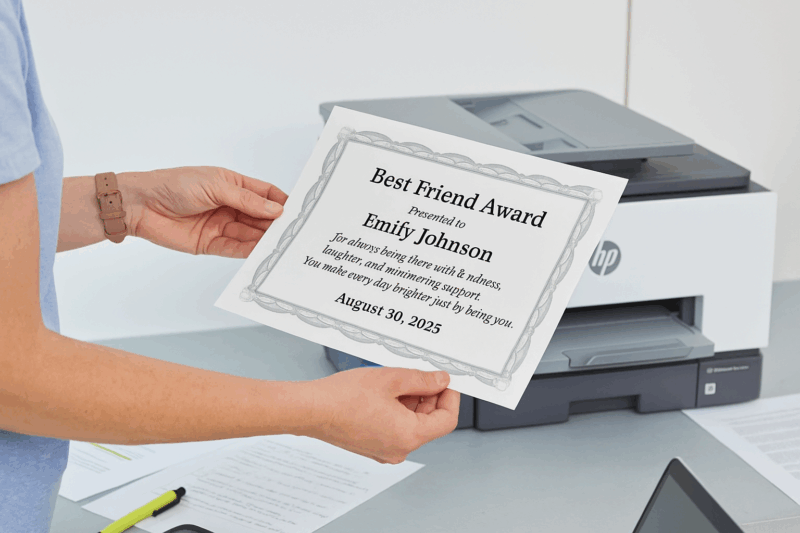
iClicknPrint can also be used for projects like letterheads, club documents, and more. But for award certificates, the perfect alignment with our paper makes it the go-to solution.
So whether you’re planning a back-to-school award, organizing a team-building event, recognizing volunteers, or just want to surprise someone with a thoughtful certificate, it’s easy to make it look professional. With premium certificate paper from The Royal Store and smart tools at iClicknPrint, you can print certificates easily. Your home printer becomes a custom certificate station. No design background is required.
You may also like

Royal Consumer Products®
Royal Consumer Products®
Flourish Gold Foil Award Certificates, 8.5″x11″ by Geographics®
Royal Consumer Products®
