 Doilies Make the Difference – Video
 Lace Paper Doilies
Awards & Recognition DIY
Recognition Made Simple: Print Professional Certificates with iClicknPrint
Professional Recognition That Never Goes Out of Season — Print Professional Certificates with iClicknPrint
Print Professional Certificates with iClicknPrint to turn appreciation into something tangible, polished, and ready to share. Taking time to recognize people and meaningful efforts never goes out of season. Whether you’re acknowledging recent achievements or setting the tone for what comes next, certificates remain a simple and powerful way to say thank you, well done, or you’re appreciated.
With iClicknPrint, creating professional certificates doesn’t require design skills, special software, or extra time. Everything happens online, directly in your browser — fast, simple, and available whenever you need it.
Why Certificates Are Always the Right Choice
Print professional certificates to recognize achievements in a way that feels thoughtful, intentional, and appropriate in any setting. Certificates are one of the most flexible recognition tools. They work across schools, businesses, organizations, and personal settings, and they always feel thoughtful and intentional.
Certificates are perfect for recognizing:
- Achievements and milestones
- Classroom progress and student accomplishments
- Employee appreciation and team contributions
- Volunteer recognition and community involvement
- Personal or family moments worth marking
Even when created quickly, certificates feel meaningful because they are personal and purposeful.
Print Professional Certificates with iClicknPrint in Minutes
iClicknPrint is a free, easy-to-use online design tool that lets you personalize certificates instantly. There’s nothing to download and no learning curve.
With iClicknPrint, you can:
- Edit text instantly (names, dates, titles, messages)
- Choose from professionally designed certificate templates
- Use Mail Merge to print multiple names at once
- Print immediately from your home or office printer
It’s designed to help you move from idea to finished certificate in just a few minutes.
Elevate Your Certificates with Premium Paper
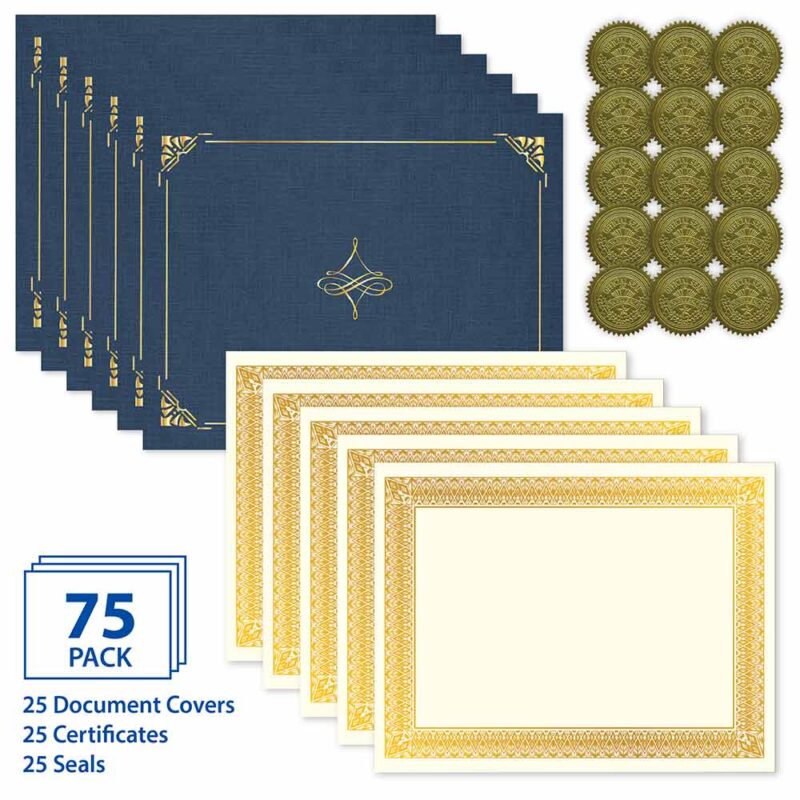
Pair your iClicknPrint designs with high-quality certificate paper to give your awards a polished, professional finish. Premium paper adds weight, texture, and presence that standard printer paper can’t match.
Popular options include:
- Linen or parchment-style certificate paper
- Classic ivory or white designs with foil accents
- Coordinated certificate holders for presentation
Printing at home gives you full control — no delays, no rush fees, and no compromises. Choose premium paper to print professional certificates that look refined, feel substantial, and leave a lasting impression.
Thoughtful Recognition, Made Easy
Recognition doesn’t have to be complicated to be meaningful. With the right tools, you can create certificates that look professional, feel intentional, and leave a lasting impression.
Design online. Print at home. Recognize what matters.
You may also like

Royal Consumer Products®
Auroral Medallion Award Certificates Assorted,8.5″x11″, 60 lb Cover by Geographics®
Royal Consumer Products®
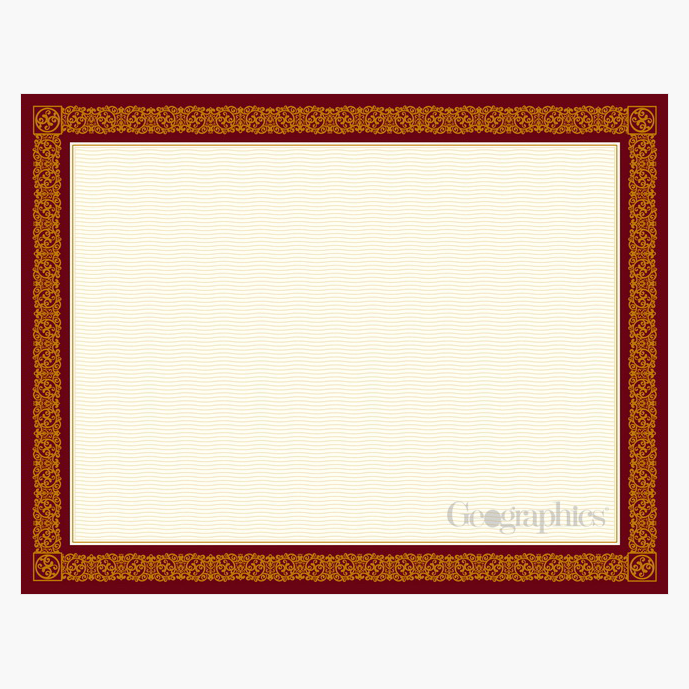
Burgundy Award Certificates Gold Foil, 8.5″x11″ by Geographics®
Royal Consumer Products®
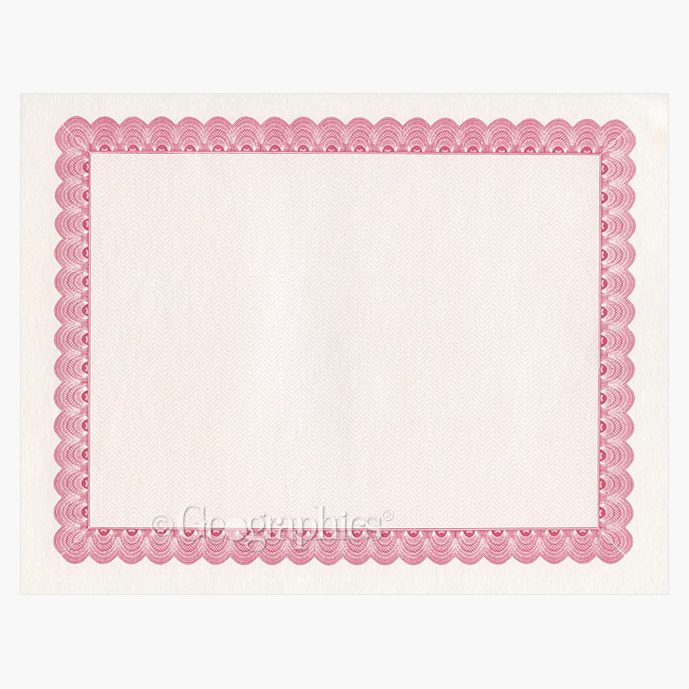
Conventional Burgundy Award Certificates, 8.5″x11″ by Geographics®
Royal Consumer Products®
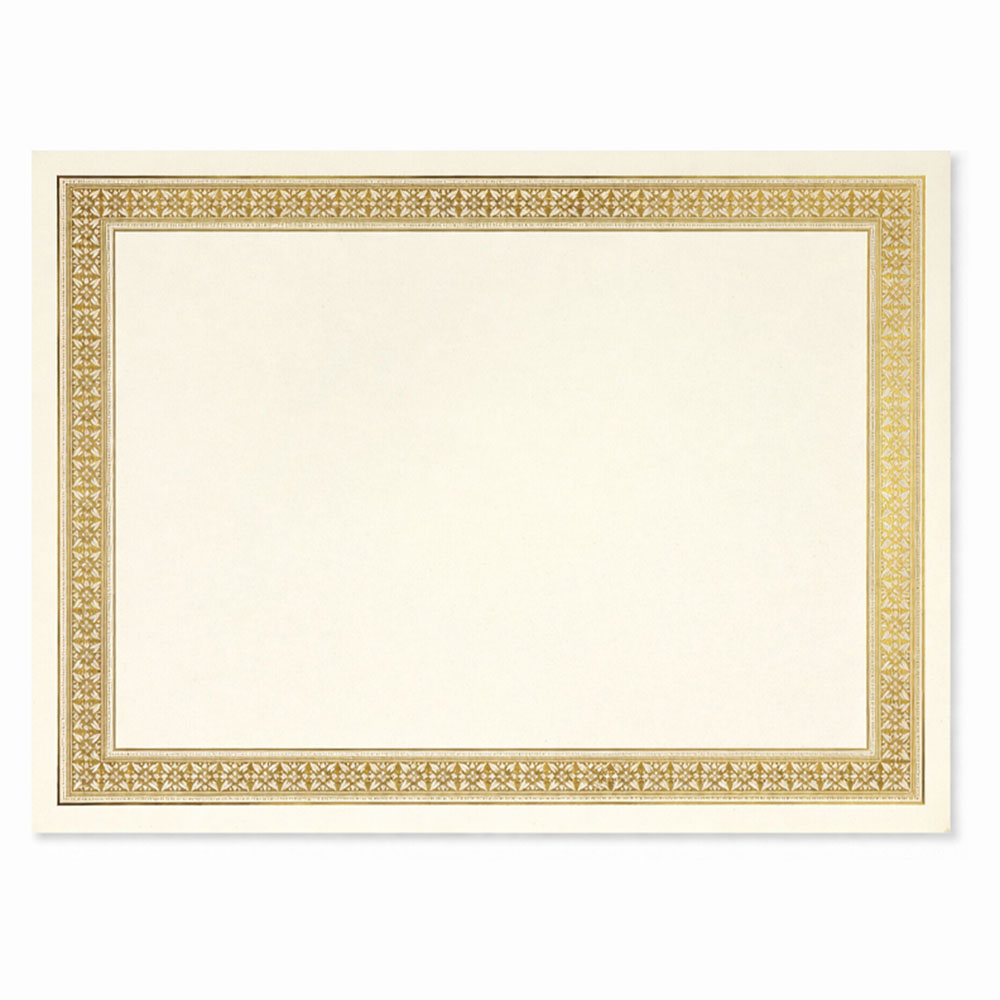
Flourish Gold Foil Award Certificates, 8.5″x11″ by Geographics®

Royal Consumer Products®
Frequently Asked Questions
How can I print professional certificates at home?
You can create and print professional certificates at home using iClicknPrint. Personalize the certificate online, add names, dates, titles, or messages, then print it directly using your home or office printer.
Is iClicknPrint free to use for certificates?
Yes. iClicknPrint is a free online design tool that allows you to personalize certificate templates directly in your browser. There is no software to download, making it easy to create certificates whenever you need them.
Do I need design experience to use iClicknPrint?
No. iClicknPrint is designed for users without professional design experience. You can start with a ready-made certificate template and simply edit the text and details needed for your award or recognition.
Can I print multiple certificates with different names at once?
Yes. iClicknPrint includes Mail Merge functionality, which makes it easier to personalize and print multiple certificates with different recipient names. This is especially useful for schools, businesses, teams, and organizations.
What type of paper is best for professional certificates?
Premium certificate paper such as linen or parchment-style paper can give certificates a more polished appearance. Ivory or white certificate paper with decorative or foil accents can also create a professional presentation.
What can professional certificates be used for?
Professional certificates can recognize student achievements, employee contributions, team accomplishments, volunteer service, milestones, community involvement, and other meaningful accomplishments.
Can I use certificate holders with certificates printed through iClicknPrint?
Yes. Printed certificates can be paired with coordinating certificate holders for a more finished presentation. Certificate holders are especially useful for awards, graduations, employee recognition, ceremonies, and formal presentations.
