 Doilies Make the Difference – Video
 Lace Paper Doilies
 MYGEOPRINT®
 .
.IClicknPrint Projects, Uncategorized
Inkjet vs. Laser Printing for Certificates: What to Know
Inkjet or Laser Printer for Certificates & Letterhead? Here’s What Works Best
Inkjet or Laser Printer for Certificates & Letterhead? Choosing the right printer matters for professional, high-quality certificates and stationery.
When it comes to printing certificates, awards, or personalized stationery at home or in the office, one of the most common questions is:
Should I use an inkjet or a laser printer?
The good news is that most of our letterhead papers and certificate papers are printer-compatible, meaning they’re designed to work beautifully with both inkjet and laser printers and even allow for handwritten customization when you want a more personal touch.
In this guide, we’ll break down the key differences between inkjet and laser printing, what works best for certificates and letterhead, and how iClicknPrint makes personalization effortless.
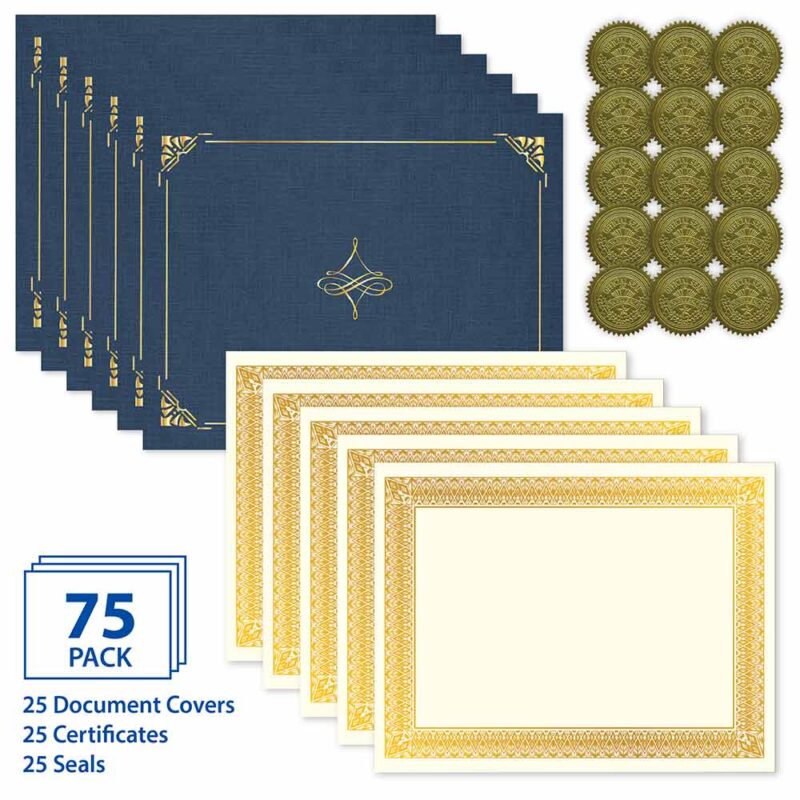
Inkjet Printing for Certificates & Letterhead
Inkjet printers are a popular choice for home users, teachers, and small offices. They work by spraying tiny droplets of liquid ink onto the paper, producing rich colors and smooth gradients.
Pros of Inkjet Printing:
- Excellent color quality for logos, seals, and decorative borders
- Ideal for personalized certificates and creative designs
- Widely available and affordable
- Great for photo-like visuals or subtle color tones
Things to Consider:
- Ink may take slightly longer to dry on thicker or specialty paper
- Not as fast as laser printers for large batches
Best Use Cases:
- Classroom certificates
- Personalized awards
- Custom letterhead
- Small to medium print runs
Laser Printing for Certificates & Letterhead
Laser printers use toner and heat to fuse text and images onto paper. They’re known for speed, crisp text, and efficiency in higher-volume printing.
Pros of Laser Printing:
- Sharp, professional-looking text
- Faster printing for bulk certificates
- No drying time
- More resistant to smudging
Things to Consider:
- Color laser printers are more expensive than inkjet models
- Slightly less vibrant color depth compared to inkjet
Best Use Cases:
- Office awards and recognition programs
- Corporate letterhead
- Bulk certificate printing
- Official documents
Printer-Compatible Paper: Designed for Both Inkjet & Laser
Most of our letterhead and certificate papers are clearly labeled as:
Printer Compatible – Designed for use with most inkjet and laser printers
Printer-Compatible – Works with inkjet, laser printers, or handwritten customization
That means you don’t have to worry about choosing the “wrong” printer. Our paper is engineered to:
- Absorb ink cleanly without bleeding
- Handle laser toner without warping
- Maintain a smooth, professional finish
- Support handwriting for personal touches
Whether you’re printing one heartfelt certificate or hundreds of awards for an event, you’ll get consistent, high-quality results.
Handwritten Customization: Add a Personal Touch
Not everything has to be printed.
Many of our certificates and letterheads are also perfect for handwritten customization, allowing you to:
- Add a signature
- Write a recipient’s name
- Include a personal note
- Create a one-of-a-kind keepsake
This is especially popular for:
- Teacher awards
- Graduation certificates
- Volunteer recognition
- Valentine’s Day notes
- Special moments and milestones
iClicknPrint: Fast, Easy & Free Personalization
If you want professional-looking certificates and stationery without design skills, iclicknprint makes it simple.
It’s our free online design tool that lets you customize certificates, letterhead, business cards, labels, and poster boards — right in your browser.
With iClicknPrint, you can:
- Personalize text instantly (names, titles, dates, messages)
- Choose fonts, sizes, and layouts
- Start from professionally designed templates
- Preview your project before printing
- Download a high-quality PDF for printing
Everything is designed to work seamlessly with GEOGRAPHICS® and ROYAL BRITES® products, so your printed results always match your paper perfectly.
Bulk Certificates? Use Mail Merge in iClicknPrint
Need to print awards for a class, company, or event?
iClicknPrint includes a built-in Mail Merge feature that lets you:
- Upload an Excel or CSV file
- Automatically insert names, titles, or dates
- Generate multiple personalized certificates in seconds
This works for:
- Certificates
- Letterhead
- Business cards
- Mailing labels
It’s a huge time-saver for teachers, HR teams, event organizers, and administrators.
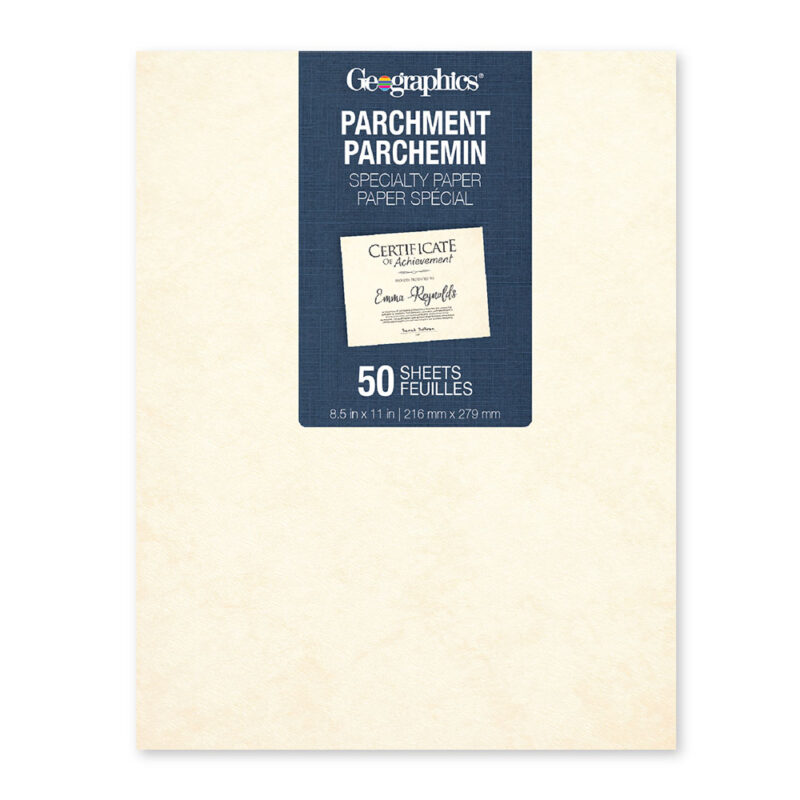
Templates That Make Design Effortless
Instead of starting from scratch, iClicknPrint gives you access to a library of ready-to-use templates for:
- Certificates & diplomas
- Awards & recognition
- Letterhead & stationery
- Invitations
- Business cards
- Holiday projects
You can swap templates, adjust layouts, resize text boxes, and fully customize every detail.
Whether you’re creating a formal certificate or a festive Valentine’s Day letter, the design tools make it quick and intuitive.
Final Thoughts
Whether you’re printing certificates for school, recognition awards for work, or personalized stationery for special occasions, you don’t have to choose between inkjet or laser.
Our printer-compatible letterhead and certificate paper is designed to work beautifully with:
- Inkjet printers
- Laser printers
- Handwritten customization
- iClicknPrint personalization
That means professional results, total flexibility, and effortless customization — every time.
You may also like
Royal Consumer Products®
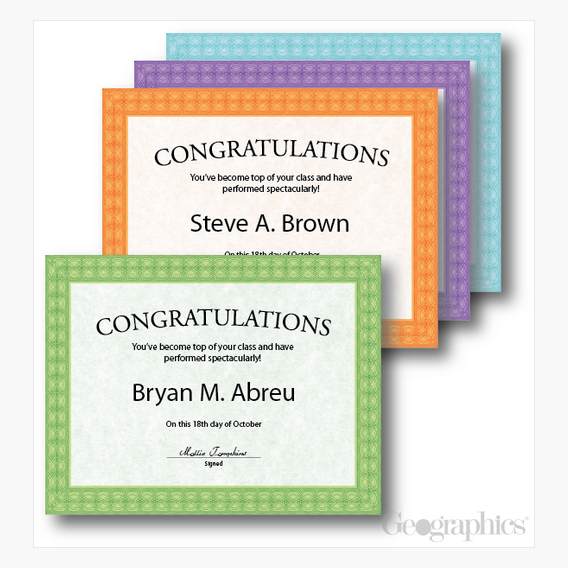
Fashion Award Certificates Assorted 60 lb Cover by Geographics®

Royal Consumer Products®
Royal Consumer Products®
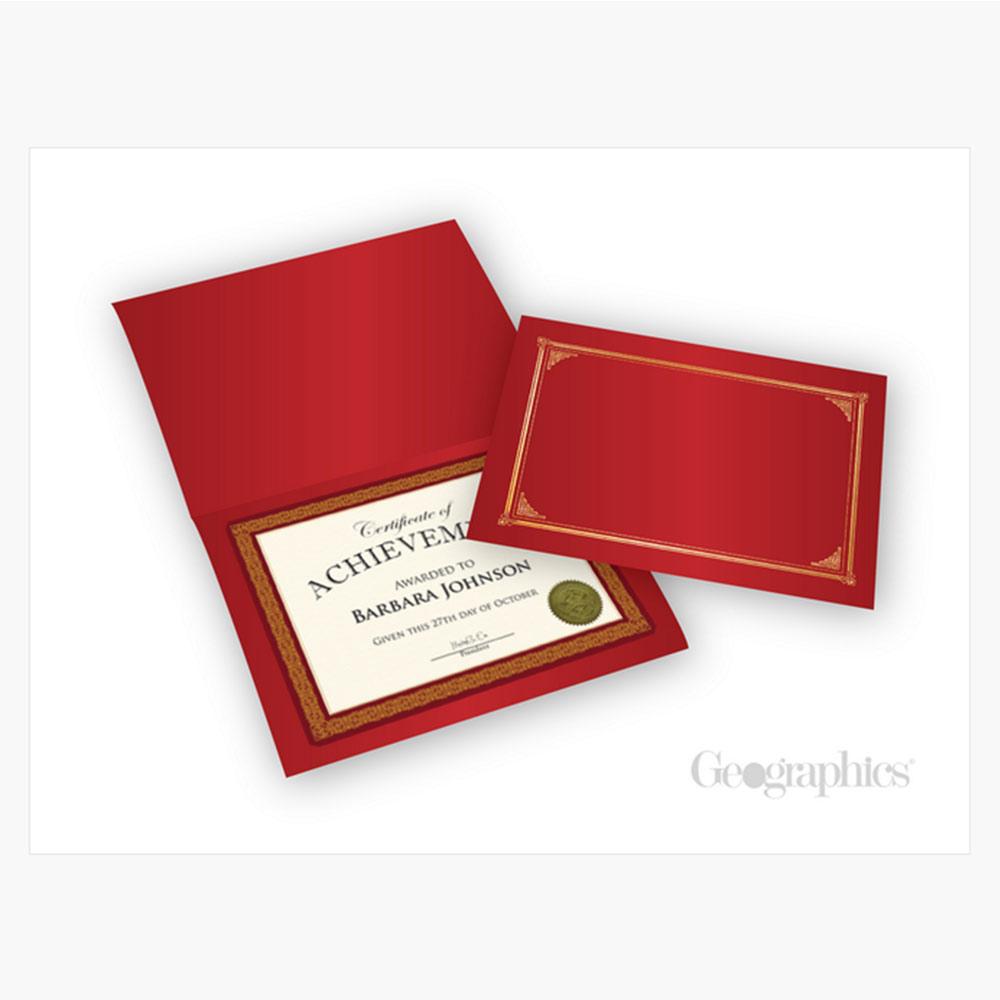
Burgundy Certificate Kit with Gold Foil, 8.5″x11″ by Geographics®

Royal Consumer Products®
Apple, School Design Paper, 8.5″x11″, 100/pack, 10 packs/case by Geographics®

Royal Consumer Products®
Helical Certificate Kit, 8.5″x11″, 25/pack, 6 packs/case by Geographics®
Royal Consumer Products®
