Doilies Make the Difference – Video
 Lace Paper Doilies
 MYGEOPRINT®
 .
.Business Cards, Business Projects
Still Need Business Cards!
You still need business cards to make a lasting impression and share your info quickly. Though you may not have a large budget to spend on printable stationery, there are still plenty of affordable solutions. Geographics® business cards are one solution that solves your problem when it comes to time, money and availability.
People talk about fully embracing the digital path when interacting or promoting a small or medium size businesses.
Do Business Cards still have a purpose?
We’re saying a big YES and here’s why we think this is true. Despite all the digital tools available, many business activities still rely on personal interaction. Sales and marketing often depend on the relationships you build with your customers. Trust in businesses usually comes from direct interaction with owners or employees. These human connections often matter more than digital strategies alone.
It’s frustrating to have a great conversation and then scribble your contact info on a scrap of paper. Would you really want to rely on something that can easily be lost or forgotten? Yes, they could search for you online using their phone. But wouldn’t you rather keep the focus on a real, meaningful exchange?
A few tips on how to make the best out of Geographics® business cards:
- Choose a blank perforated business card pack or design business cards. If you have a paper cutter, you may choose cardstock in the texture and color that matches your taste or your company’s specs. Geographics® offers a variety of designs and finishes, including gold and silver foil stamped business cards.
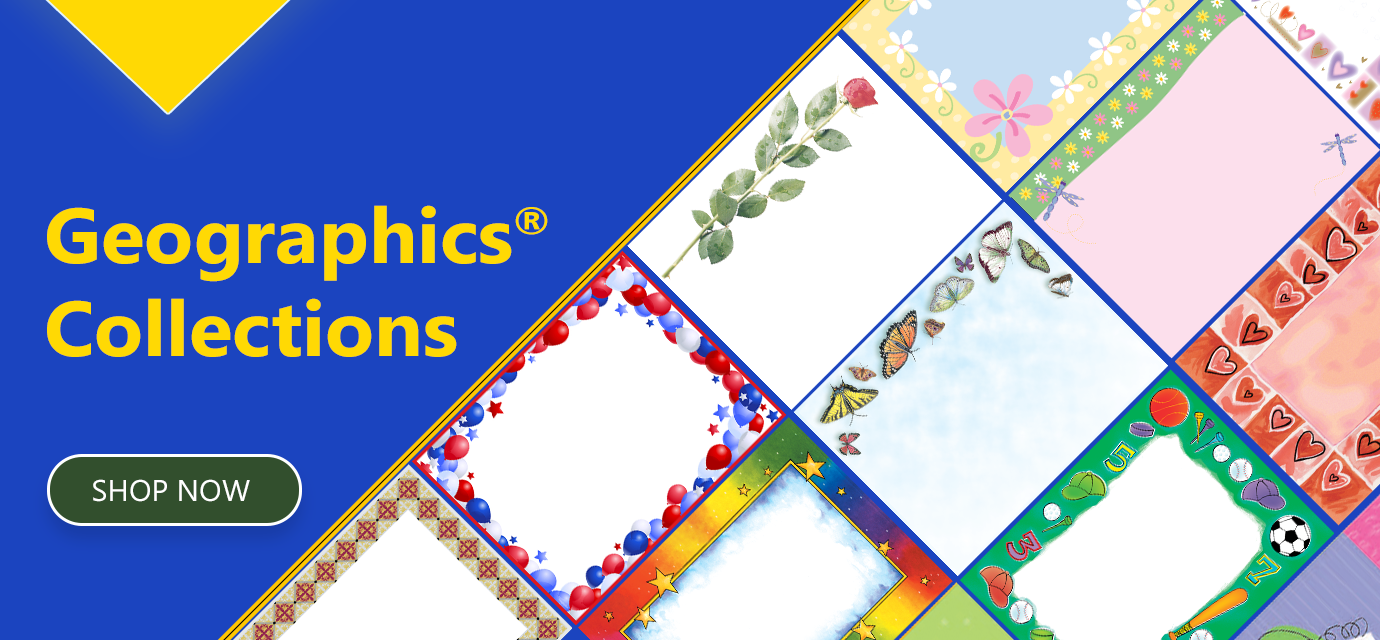
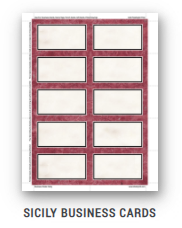
- Keep the design simple, elegant and include visual elements that represent with your business such as a logo, a suggestive clip-art or your picture. Slick and elegant Sicily Business Cards would work wonderfully with an art, fashion or even furniture or home-design business while our Butterflies and Roses would be perfect for a photographer or a flower business. All Geographics® cards have MS Word free Templates and you can easily play around with various fonts, colors and alignments using your MS Office editing skills. You may want to choose a matte or glossy finish for visual appeal as well as a fine ivory or foil business cards.
A few tips on how to make the best out of Geographics® business cards
Geographics® also offers IClicknPrint Design Center, an application where you can customize Geo Business Cards while being able to see the chosen item image in the background. The application is offered free to all Geographics® customers and offers many editing tools, among which Merge. After you create the business card file, download it as a PDF and save it on your computer for future use.